
Reports that send themselves, plus an editable Word version

Reporting is where a consultation shows its value. A client wants to know how things are going. A project board needs a regular update. The planning team needs evidence for the Statement of Community Involvement. Producing these by hand takes time, and much of that work is repeated every week.
ConsultOnline reports have always brought surveys, map comments and channel performance together in one place. They now go further. Each report is saved and can be downloaded as an editable Word document. It prints as a polished PDF. It can also be sent to your team automatically on a schedule. The examples here are from Boyd Park, our demo project: a fictional garden village scheme by Dalton Developments.
Reports you can come back to
You can start with the all-in-one report, which includes every section. Alternatively, choose a template such as a client summary, a board briefing, a planning evidence pack or an interim engagement update. You then select exactly which sections to include, from survey results to the geography of responses. Finally you add who the report is prepared for and by, and decide whether it needs a contents page.
Every report you create is saved. The Reports page lists each one with the sections it includes, when it was generated and who generated it. You can open last week’s version again without starting from scratch or update it with the latest responses. A saved report can also be presented as slides for a board meeting.
A Word version you can make your own
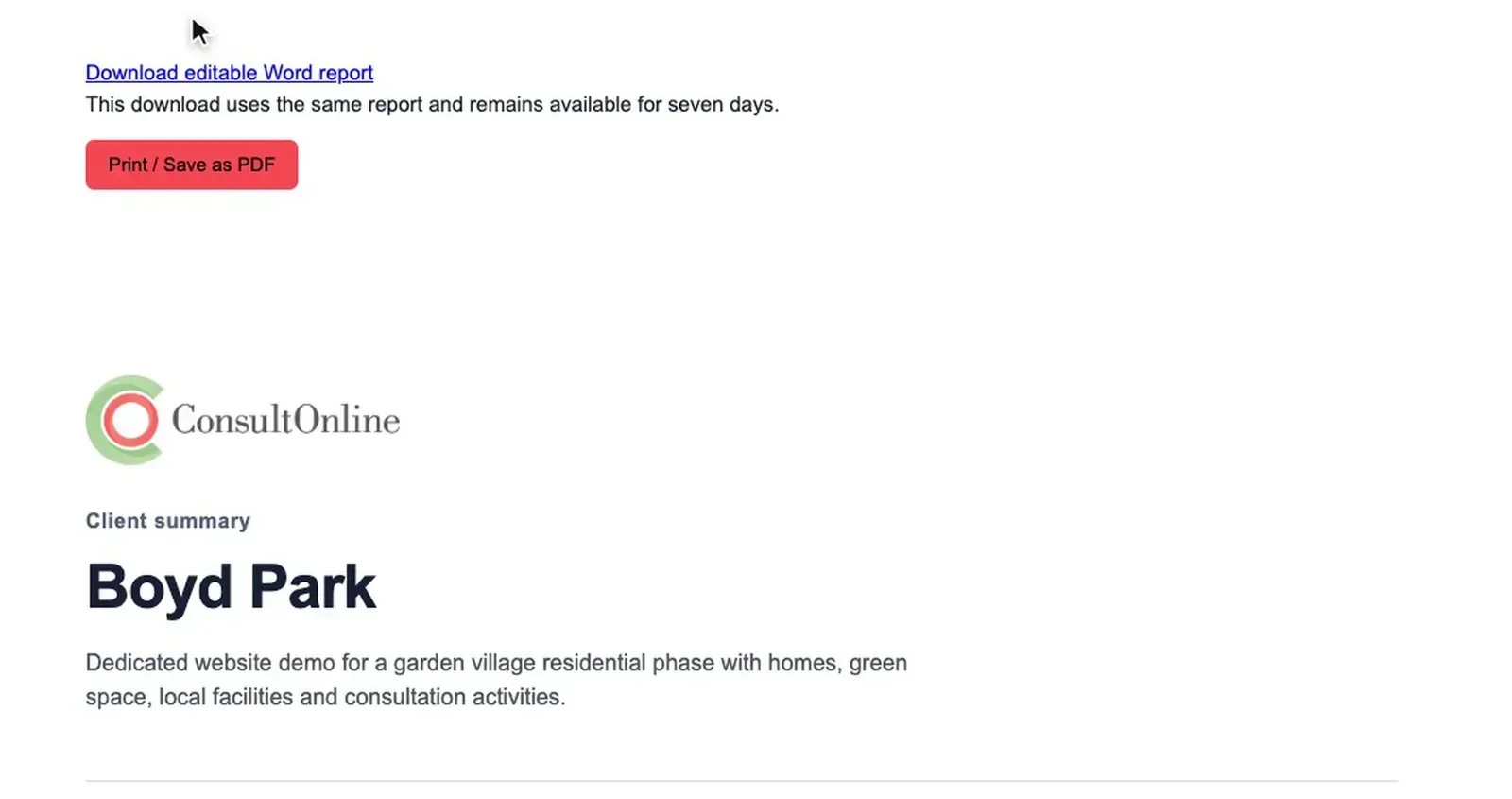
Many teams want to add their own commentary before a report goes to a client or a council. Each saved report can now be downloaded as an editable Word document. Its headings, tables, chart data and contents links are all in place. You can add your own wording, adjust the order and share it in the format most clients expect.
If you would rather send a PDF, the print version has a branded cover, sensible margins and page numbers on every page. On private-label projects it carries your branding rather than ours.
Word and PDF
Reports that arrive on time
Scheduled delivery sends a report or a data export by email automatically. It can run daily, weekly or monthly at a time you choose in the project’s time zone. You can send survey responses or website analytics as a spreadsheet. You can also send a consultation summary based on one of the report templates.
Recipients do not need a ConsultOnline account. Add the email addresses of your client, your project board or your colleagues. The file arrives as an attachment, so everyone sees the same up-to-date figures without anyone having to remember to send them.
Reporting in 30 seconds
Read the video transcript
The video opens with the words: writing up a consultation can take weeks.
A full report, ready in minutes: every survey, map comment and channel, written up from your consultation.
Turn it into slides: an editable PowerPoint deck for your project board, in your colours.
Send it your way: download it, export the data or have it emailed on a schedule.
It closes with: consultation reports in minutes, not weeks. ConsultOnline. The video has music and no narration.
Where it helps most
A weekly survey export keeps a client’s own analysts up to date without anyone downloading files by hand. A monthly client summary gives a project board a consistent update in the same format each time. Towards the end of a consultation, a planning evidence pack can be generated, edited in Word and folded into the Statement of Community Involvement.
How it works
- Open Reporting in your project dashboard and select Create report.
- Pick a template, choose your sections and generate the report. It is saved automatically.
- Open a saved report to download the Word version or print it as a PDF. The Word download link lasts seven days.
- Select Schedule delivery to choose a report type, a frequency, a time and the recipients.
Each project has one delivery schedule. Scheduled summaries arrive as a web page file that opens in any browser.
Less time writing up, more time acting on feedback
Reports are included in every ConsultOnline package. To see how a Boyd Park report comes together, book a demo. You can also read more about reporting and exports and compare our packages.