
One page for every way to take part
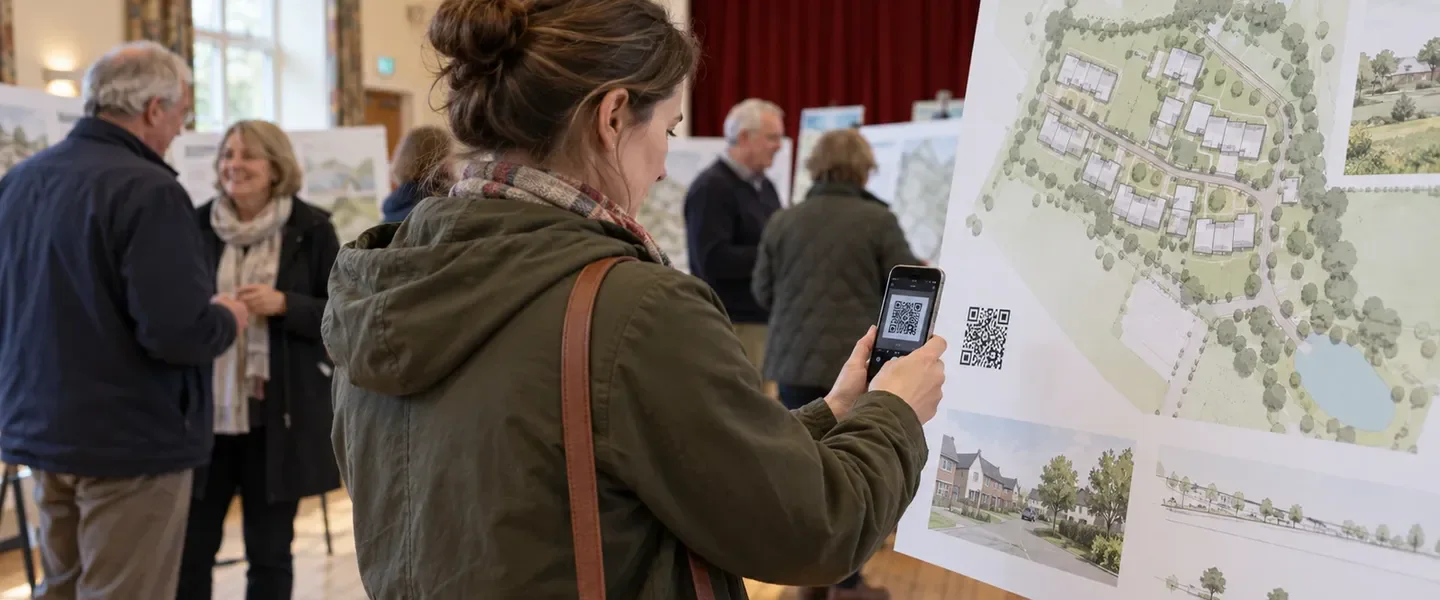
A good consultation website offers people more than one way to respond. Some want to answer a short survey. Others want to drop a pin on a map or share an idea. Some would rather work through a storyboard or put a question to the project team in person. Each option is useful. The difficulty is that a resident arriving for the first time can be faced with a long menu and no obvious place to start.
That matters more than it might seem. Many visitors arrive from a leaflet, a site hoarding or a local news story. They are often on a phone with a few minutes to spare. If they cannot quickly see how to have their say, some will leave without saying anything at all. The consultation then loses exactly the kind of casual, first-time response that broadens its reach.
Every ConsultOnline dedicated website now has a Take part page: one clear starting point that shows each way to take part, what it involves and where to begin. The examples here are from Boyd Park, our demo project: a fictional garden village scheme by Dalton Developments.
A clear starting point for residents
The page opens with a simple invitation. On the Boyd Park demo it reads “Choose how to shape Boyd Park”. A short line underneath explains that people can share a quick thought, explore the proposals in detail or speak to the team in person.
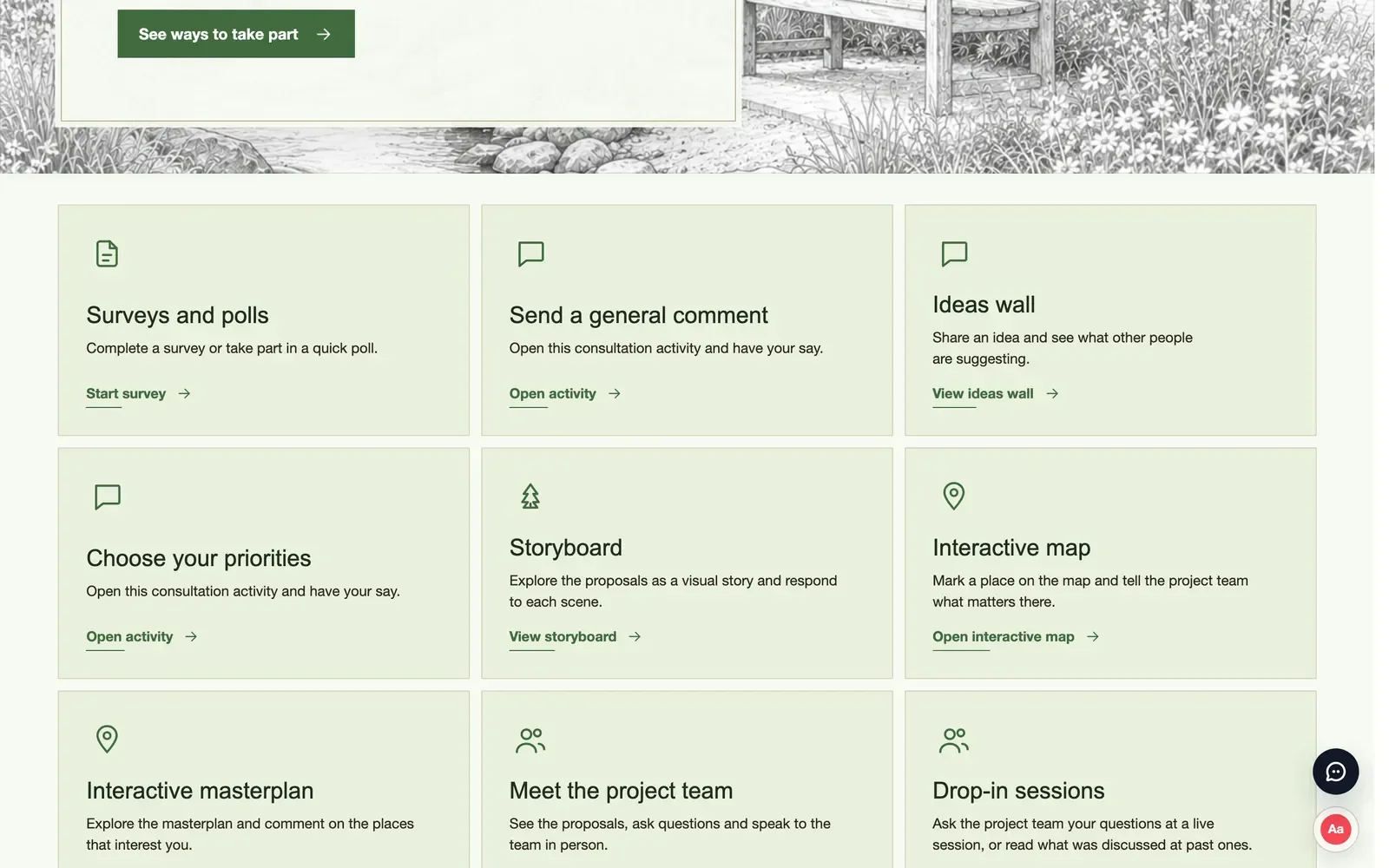
Below that, each activity has its own card with a one-line description and a clear button. Residents can start a survey, view the ideas wall, open the interactive map, view the storyboard or see what is coming up at the drop-in sessions. People choose the level of involvement that suits them, rather than having to work out what each menu item means.
Take part page
The page also sets expectations. When a consultation asks people to register before they respond, the page says so before they start. Once the consultation has closed, it explains that the website is now read-only. Nobody spends time writing a response that cannot be sent.
It reflects your consultation
The cards follow the way your website is set up. If your site has a Take part menu, the links in that menu decide which cards appear. Removing a link from the menu also removes its card. If there is no such menu, the page shows the activities included in your package and leaves out anything you have switched off.
General “Have your say” buttons across the website now lead to the Take part page. Direct links still work as before. A QR code on a leaflet can continue to take people straight to a survey, while visitors who arrive at the home page are shown every option.
The page is available in English, Welsh, French and German, in line with the languages your website offers.
Designed for phones first
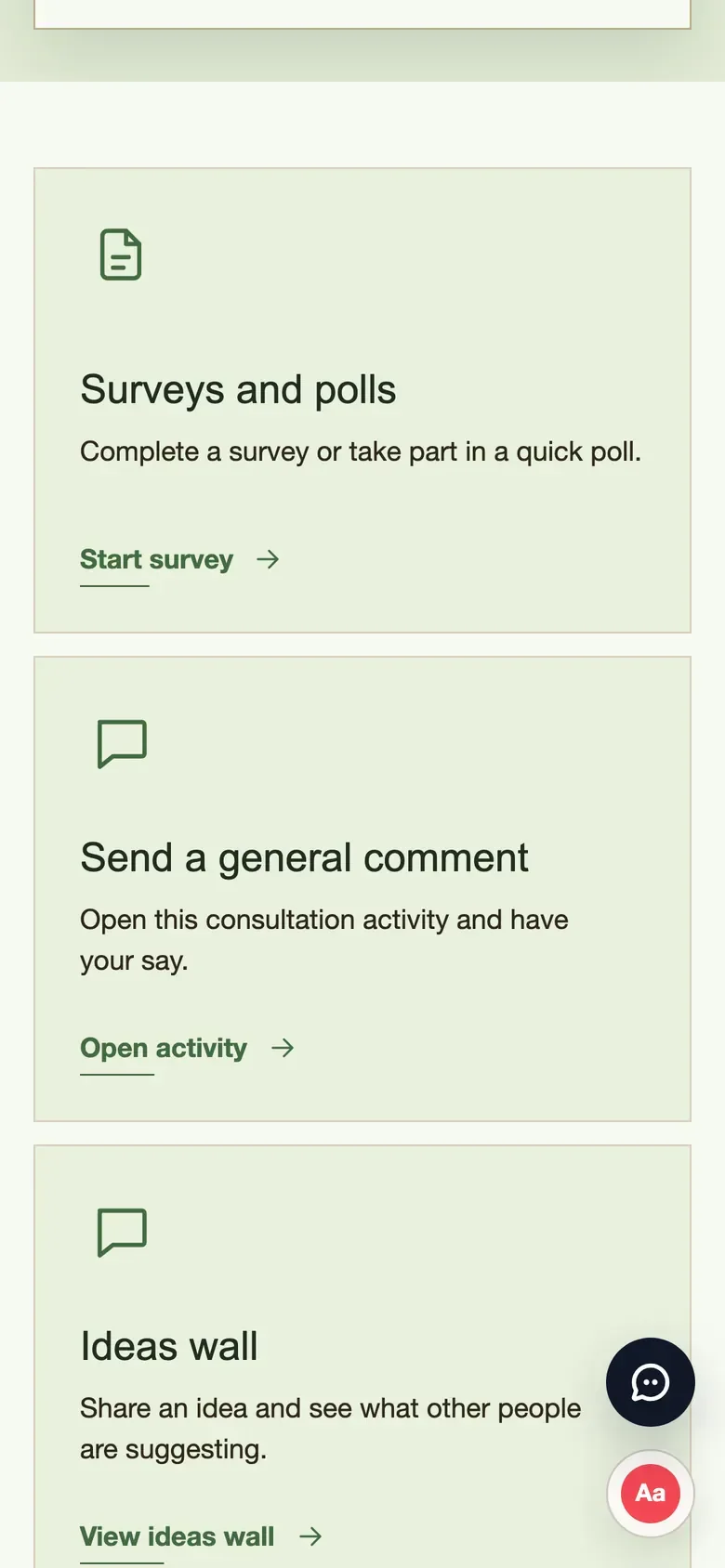
Most people will see a consultation website on a phone. On a small screen the cards stack into a single column, each with its description and button. It is easy to scroll through the options and tap the one that appeals.
On a phone
Why one page helps
A single starting point is useful for the project team as well as for residents. Publicity can point to one address for every channel. Social posts and leaflets can say “have your say” without listing every activity. When a new activity is added part way through a consultation, such as a drop-in session or a priorities exercise, it appears on the page straight away.
It also supports a more inclusive consultation. Some people are comfortable writing a detailed response. Others are more likely to vote on an idea or ask a single question. Presenting the options side by side, with an honest description of each, makes it easier for both groups to take part.
How it works
- The Take part page appears on Enhanced and Bespoke dedicated websites, at /take-part.
- Cards are taken from your website’s Take part menu, or from the activities in your package if there is no such menu.
- Switching an activity off, or removing its menu link, removes its card.
- The introduction changes automatically when registration is required or the consultation has closed.
See it on our demo project
A clear, well-explained starting point helps more people move from reading about a scheme to responding to it. If you would like to see the Take part page on Boyd Park, book a demo. The page is included with the dedicated websites in our Enhanced and Bespoke packages.