Social media posts written from your consultation

Social media is one of the most effective ways to tell people a consultation is happening. Writing regular posts takes time, though. Each platform has its own length and style. Every post needs the right dates and links.
The new social posts page drafts posts for LinkedIn, Facebook, Instagram and X from the information already in your project. Your team checks the drafts and makes any changes. You then copy them into your own accounts. The examples here are from Boyd Park, our demo project: a fictional garden village scheme by Dalton Developments.
Written from your own project
Every draft starts from something real in the project. The topics on offer come from the consultation itself. A post can announce that the consultation is open, remind people that it is about to close or invite them to an upcoming drop-in session. It can also share the latest planning application update, a construction update or a recent news story. If none of these fits, you can describe the topic in your own words.
Source: drop-in sessions
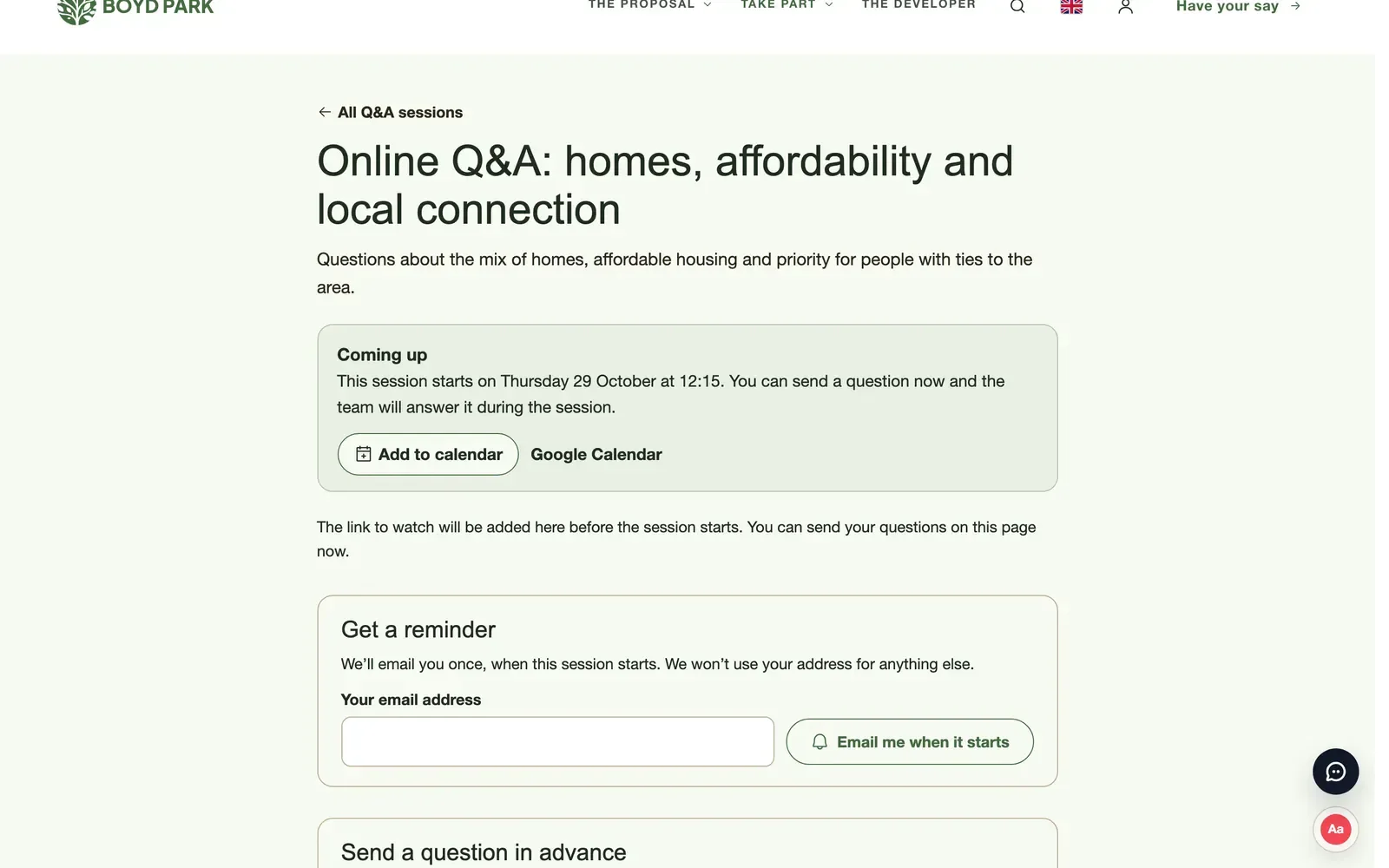
Because the drafts use the project’s own dates and details, they stick to the facts. You choose the platform and a tone (friendly, professional, informative or urgent). You can also add notes, such as a particular point you want to make.
Suited to each platform
ConsultOnline writes up to three versions at a time, in British English and at a sensible length for the platform you have chosen. A character count shows how each version compares with the platform’s limit. Instagram versions point people to the link in your bio rather than including a link that cannot be clicked.
A preview shows how each post will look on the platform. You can see where the text will be cut off with “see more” and how an image will be cropped.
With your own pictures
You can attach an image or video from the project’s gallery. A side panel lets you search and filter the gallery to find the right picture. Saved posts keep a download button for the chosen file, so it is ready to upload alongside the text.
Your accounts, your decision
ConsultOnline does not post anything for you. There is no connection to your social media accounts, so nothing goes out without someone on your team reading it first. Each version can be edited, copied and saved. Once it has gone out, mark it as posted so the team can see what has already been shared.
Saved posts stay with the project. A colleague can pick up a draft, see which versions have already gone out and keep the tone consistent across the consultation.
Keeping publicity regular
Consultations benefit from steady publicity rather than a single announcement. A post when the consultation opens, another before each drop-in session and a reminder in the final week can make a real difference to who hears about it. Drafting from the project’s own details makes that rhythm easier to keep up, particularly for small teams with several schemes running at once.
How it works
- Open Social posts in the project dashboard.
- Choose what the post is about, the platform and a tone. Add any notes.
- Select Write posts, then edit the version you prefer and choose an image or video.
- Copy the text, post it from your own account and mark it as posted.
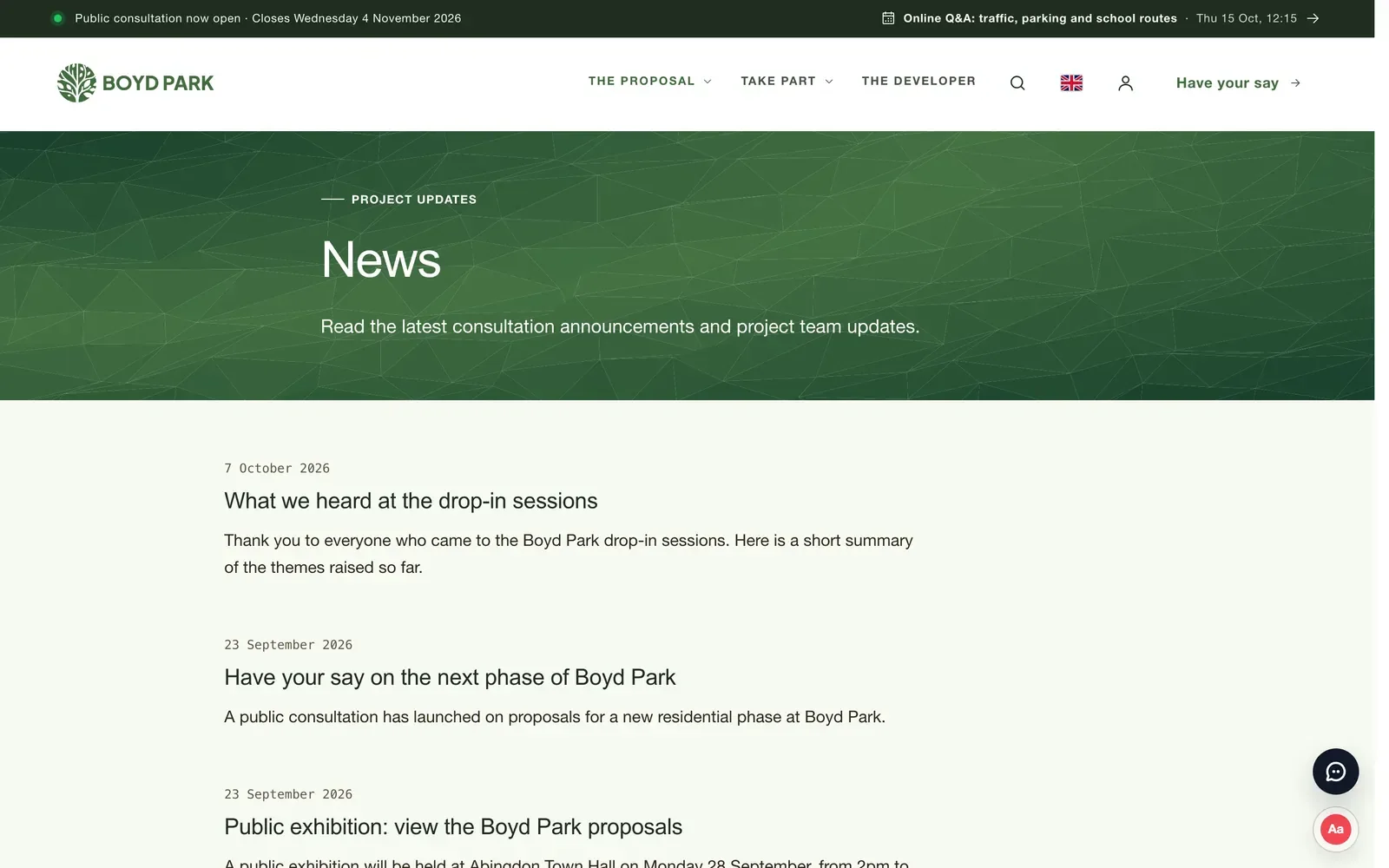
Source: news
More publicity, less writing
Social posts are included in our Enhanced and Bespoke packages. To see posts drafted from Boyd Park, book a demo.